Create a DevOps Center Project
Learning Objectives
After completing this unit, you’ll be able to:
- Explain the purpose of a project in DevOps Center.
- Create a project in DevOps Center.
Explore Projects in DevOps Center
Your team is set up and DevOps Center is connected to GitHub. Now you need a central place to organize all the work. That's where projects come in.
A project is your team’s shared workspace for managing releases. It includes work items, repository connections, environment links, and pipelines.
For CalcPro, your project includes:
- All work items tracking features and fixes.
- The connection to your GitHub repository.
- Links to the environments where the app is deployed.
- Metrics showing how quickly your team ships changes.
Everything related to CalcPro, who's building what, what shipped, and what's in progress, lives in this one project.
Decide How Many Projects You Need
Each project connects to one pipeline. Here’s how to decide.
Create separate projects when:
- Teams have different release cadences. For example, one team releases weekly, another team releases monthly.
- Teams are completely independent.
- Apps don’t share code or infrastructure.
Use one project when:
- Features release together on the same schedule.
- One team manages the entire development lifecycle.
- Components are tightly coupled.
For CalcPro, you create one project because all features release together.
Create a Project
- In DevOps Center, select the DevOps Projects tab.
- Select New.
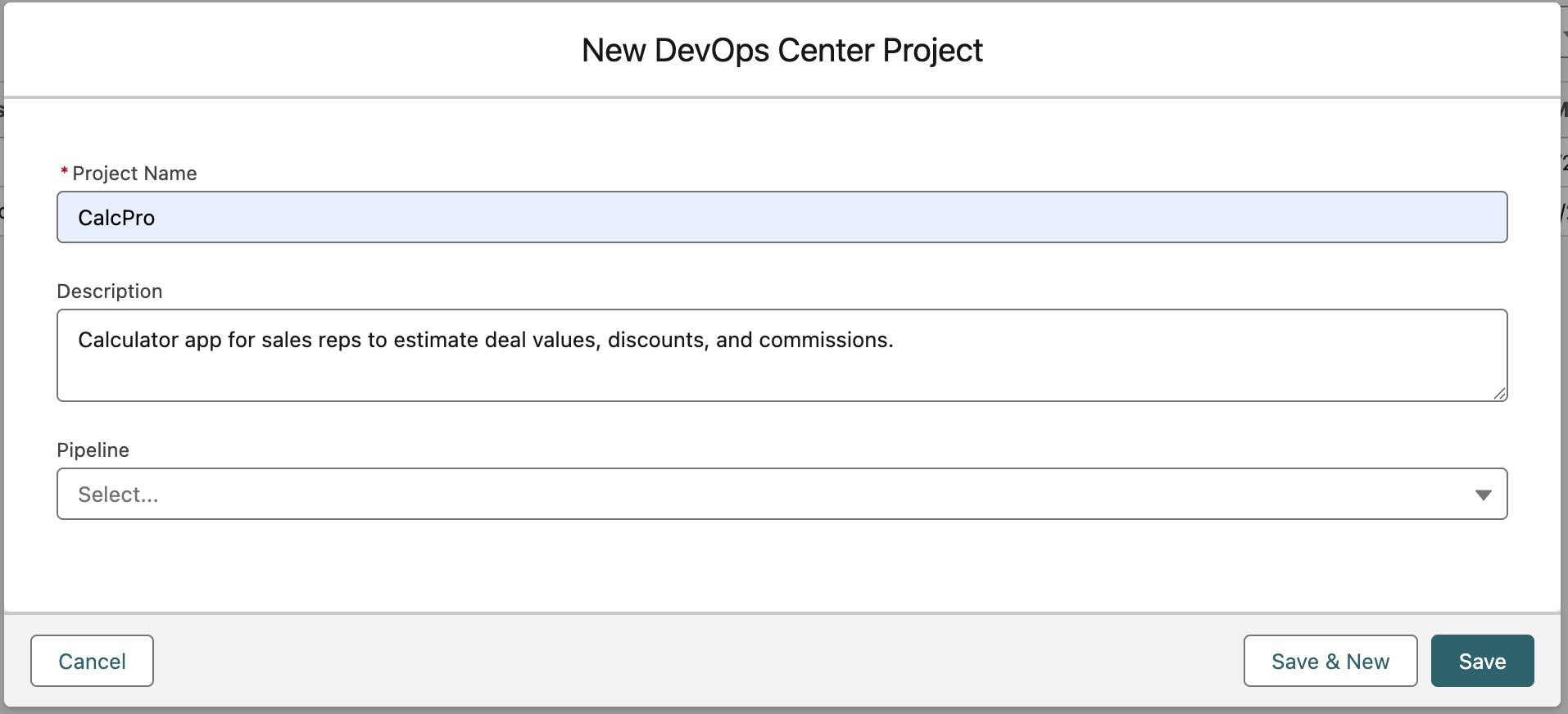 [Alt text:New DevOps Center Project window with CalcPro as the project name and a description about the calculator app.]
- In the Project Name field, enter:
CalcPro - In the Description field, enter:
Calculator app for sales reps to estimate deal values, discounts, and commissions.
- Leave the Pipeline field empty for now.
- Select Save.
You've created the CalcPro project. CalcPro now appears in the DevOps Projects list, where your team can track all development work.