Get Started with Slack for Small Business
Learning Objectives
After completing this unit, you’ll be able to:
- Explain what Slack is and why small businesses need it for productivity.
- Describe how Slack and CRM work together to help small businesses get more done with less hassle.
- Show how putting customer data and team conversations in one spot helps serve customers better.
- Identify ways to connect team workflows and project management for greater productivity.
Before You Start
Before you start this badge, consider completing this recommended content.
What Is Slack?
Slack (Searchable Log of All Conversations and Knowledge: S-L-A-C-K) is a collaboration and communication tool for individuals and businesses of all sizes. For small and growing businesses, it’s where work gets done. It’s the hub for teams to grow and scale together.
It’s your home base to organize important files and projects in dedicated channels where your team or external partners can view them and collaborate easily. Slack isn’t just about messaging; it’s now a centralized dashboard where you can also:
- Create a searchable archive of all conversations and decisions.
- Ramp up new hires quickly by sharing historical context about the company, its projects, and its goals.
- Break down silos with organized, public conversations, so everyone has visibility and context.
- Stay in the loop with AI summaries and daily recaps.
Collaboration becomes streamlined with coworkers, clients, and vendors all in one place. From text to audio clips and video, Slack has all channels of communication covered. To turn your processes into progress, automate your routine tasks with app integrations, from taking meeting notes to updating records.
Why Do Small Businesses Need Productivity Tools Like Slack?
Imagine you’re a small to medium-size business (SMB) owner juggling customer inquiries, managing orders, and coordinating a team for deliveries, marketing, and sales. It can feel overwhelming, right? What if there was one central platform to simplify all these tasks? That’s where CRM comes in.
What Is Starter Suite CRM and How Does It Work with Slack?
Salesforce Starter Suite is a customer relationship management (CRM) tool for small and growing businesses that combines sales, service, marketing, commerce, and Slack all in one place—instead of juggling disconnected tools. It offers automation that handles busy work and helps you reach the right audience at the right time.
Starter Suite is a CRM built for small teams that works with Slack to manage your customer data, sales, marketing, customer service, and team operations—all in one platform. With Starter Suite and Slack together, you can:
- Track important customer data, from email addresses to purchases.
- Send personalized marketing emails or offers to gain more leads.
- Store data—every note, order, or conversation—without maintaining spreadsheets.
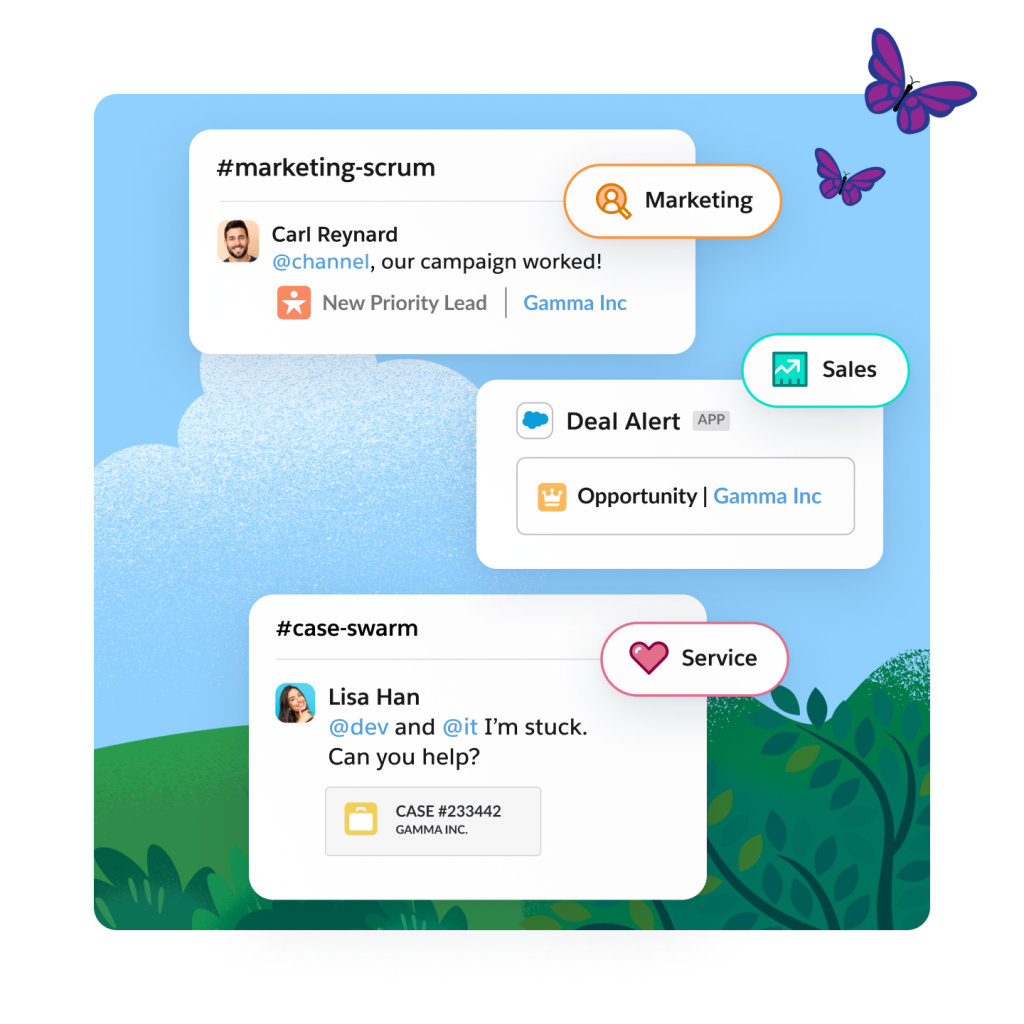
Achieve a Better Customer Experience by Bringing It All Together
When you have conversations and customer data in one place, your business operates seamlessly. For example, sharing CRM sales stages and client notes in Slack accelerates approvals.
Imagine you’re a small business owner that runs a bakery. A customer named Pamela messages you to change the order of her birthday cake. Now, because your commerce website is integrated with your CRM and Slack, her request instantly updates all team members. A service agent quickly makes the change, eliminating back-and-forth and ensuring a smooth experience for both your team and Pamela.
Connect Team Workflows and Project Management with Productivity
Your team’s workflow is the engine of your business. By automating routine tasks within these workflows, you empower your team to stay productive and avoid burnout. Imagine a world where manual follow-ups and data entry are obsolete, and reminders for tasks automatically appear for your team. With Starter Suite and Slack, you can seamlessly:
- Automate routine tasks, such as dispatching an order confirmation to your delivery team and customer.
- Access project management tools with strong task tracking and segment lists built right in.
- Maintain complete transparency, allowing your team to see what’s completed and what requires attention to ensure no detail is overlooked.
For example, if Pamela’s cake order experiences a delay, an automated Slack notification instantly informs your team and updates the CRM. This ensures everyone receives live updates without any last-minute communication scramble.
In this unit, you learned how Slack acts as a central hub for small businesses. It integrates with CRM to streamline communication, organize customer data, and automate workflows, ultimately boosting team productivity and enhancing the customer experience. Next you explore how to connect and collaborate with Slack.