Explore Segmentation in Marketing Cloud Next
Learning Objectives
After completing this unit, you’ll be able to:
- Explain what a segment is.
- Explain why segmentation drives engagement.
- Describe how unified data in Marketing Cloud Next powers segmentation.
- Identify publish options and refresh cadence settings.
Why Segmentation Matters
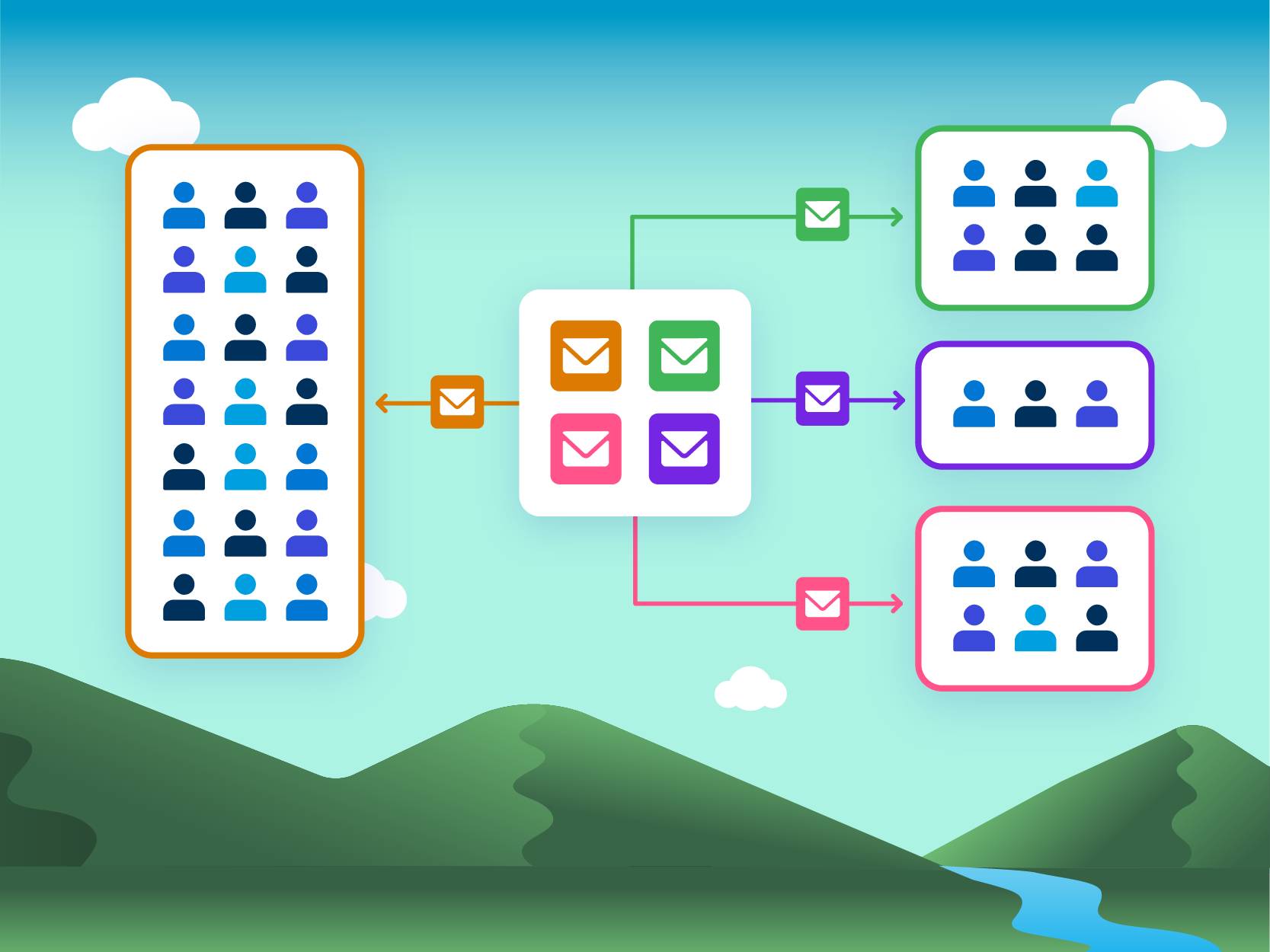
You know what it’s like to receive a generic marketing message. It’s easy to ignore an email that doesn’t feel relevant or meant for you. But when a message reflects your interests, recent activity, or needs, you’re far more likely to open it, click through, and engage. Making your content feel relevant and personal is where segmentation comes in. It helps you group individuals who share common traits or behaviors so you can send messages that speak directly to their needs.
Segmentation also gives you more control over how you communicate. Instead of sending a single campaign to your entire database, you can build smaller, well-defined audiences—such as recent purchasers, event attendees, or people who haven’t engaged in a while. These focused segments usually provide stronger open and click-through rates because the campaign content aligns with where they are in their customer journey.
Marketing Cloud Next uses Data 360 to make the segmentation process easier by bringing together the customer data you already have. Data from sources like ecommerce platforms, event tools, CRM, and marketing engagement can be connected into a unified foundation, so segments are built from a complete view of each customer rather than isolated systems. This results in a more personal experience for your customers and better performance for your campaigns.
Unified Individual Object
Segmentation only works well when the data behind it is complete and consistent. In many organizations, customer information lives in different places, such as CRM records, web activity, purchase history, support interactions, and more. When those records aren’t connected and usable for segmentation, it becomes harder to build an accurate audience.
At Northern Trail Outfitters (NTO), Paulo Santino, a marketing specialist, often faces this challenge. A customer who appears as a repeat buyer in ecommerce might seem like a new lead in the CRM, while another might show strong email engagement but no recent purchases. This can happen when people use different email addresses for different activities, shop as guests without signing in, or interact with NTO in places that track customers differently.
There are many ways that customer profiles can fall out of sync. For example, someone might browse products on the website, call customer service about an order, and sign up for an event through a separate form. Since each system records that activity in its own way, it’s easy for the same person to seem like several different customers. When Paulo cannot reference all of those touchpoints together, he ends up with an incomplete picture and may struggle to target audiences with the right messages.

Marketing Cloud Next uses Data 360 to connect customer interactions across systems. Data 360 compares key identifiers such as email addresses, phone numbers, and shipping details to associate records that likely belong to the same individual. This process of linking related records from different sources into one unified view is known as Identity Resolution and the end result is the Unified Individual object. Because segments in Marketing Cloud Next evaluate data through this model, filters draw from connected customer activity rather than isolated systems. Results will reflect both the data that’s available and how identity resolution and refresh settings are configured.
Identity Resolution is governed by a ruleset that you can either generate automatically or customize for your unique use case. You can learn more about identity resolution and custom ruleset strategies in Data and Identity in Data 360. For the purposes of this module, you’ll use the automatically generated ruleset.
You will need to generate this ruleset in order to complete the hands-on challenge in a later unit.
But first, sign up for an org.
Sign Up for a Developer Edition with Data 360 and Marketing Cloud Next
To complete this badge, you need a special, limited-time custom playground that contains Data 360 and Marketing Cloud Next.
- Click Create Playground.
- Your new org is automatically attached to your Trailhead account.
- Make note of your org's expiration date and complete this badge before then.
Generate an Identity Resolution Ruleset
Now let’s create an Identity Resolution ruleset. Here’s how to do it.
- Open the App Launcher and select the Marketing App.
- Select the Identity Resolutions tab.
- Select New, then Create New Ruleset, and Next.
- Select Individual in the Primary Data Model Object dropdown list.
- For Ruleset ID, enter
MKTand click Next.
- For Ruleset Name, enter
Marketingand click Save. It can take a few minutes for the ruleset to save.
- Under Match Rules, click Configure. Review the instructions and click Next.
- Click Configure next to Match Rule 1, select Fuzzy Name and Normalized Email, click Next, then click Next again.
- Click Save. It may take a minute or so for the ruleset to publish.
- If your Last Job Status field does not say ‘In Progress’ after you’ve published the ruleset, click Run Ruleset.
The Unified Individual provides a shared foundation for segmentation, so audiences are evaluated using connected customer data as new information becomes available.

Segmentation Workflow Overview
Building a segment in Marketing Cloud Next follows a clear, guided path. You start by choosing where you want to work—either directly from the segmentation tab or within a campaign. Both routes take you to a segmentation canvas, the visual workspace where you define your audience.
For Paulo at NTO, this workflow brings needed structure to what can often feel like a complex targeting process. Paulo may want to identify customers who recently browsed new hiking gear, or people who engaged with a seasonal campaign but did not complete a purchase. Without a consistent framework, pulling these groups together from multiple data sources would take time and leave room for error.
The segmentation canvas simplifies this by organizing attributes in a way that’s easy for marketers to work with. You choose from the attributes that are available through the Unified Individual and its related objects. This gives Paulo access to complete and reliable customer information without requiring him to understand the underlying data structure. From there, he can drag in filters, adjust logic, and preview results as he goes. Because the canvas is designed for marketers, he doesn’t need technical skills to build detailed rules. Instead he simply selects the criteria that describe the audience he wants to reach.
Once the segment is complete, it can be used directly in a campaign flow. When a marketer starts a segment from a campaign, the segment becomes the entry point for that flow, ensuring the right audience enters the journey when the campaign runs.
Marketers can also reuse existing segments or build new ones based on saved criteria rather than starting anew each time. When Paulo updates the segment later—for example, tightening criteria or focusing on a more recent activity window—those changes apply after the segment is republished, keeping active and future campaigns aligned with his latest targeting needs.
This workflow helps Paulo and other marketers build segments confidently and use them immediately, all within one connected experience.
Publish Options
After defining your filters, the final step is choosing how your segment should stay up to date. Marketing Cloud Next gives you two main options: static or dynamic segments.
Some segments are published once and don't change unless you republish them. This is useful when your audience won’t shift often. This could be a group you’ve intentionally selected for a specific purpose, like a one-time webinar list.
A dynamic segment, also known as an auto-refreshing segment, updates on a schedule that you set. As new data flows into Data 360, the segment evaluates your rules again and adds or removes people based on the latest information. This keeps your audiences aligned with recent activity or changing customer behaviors.
To support these refresh patterns, you can choose between two publish types.
-
Standard Publish reviews two years of data and refreshes the segment daily, weekly, or monthly. It’s ideal when you want to work with a broader history of customer data.
-
Rapid Publish uses a shorter, one-week lookback window and refreshes as often as every hour. This option works well when your campaign depends on fresh signals, like recent engagement or timely interactions.
A segment does not begin evaluating data until it has been published at least once. When a segment is used to start a campaign flow, the flow can publish the segment automatically when it runs.
Choosing the right publish option depends on your use case. If you need speed and up-to-the-minute accuracy, Rapid Publish may be the best fit. For most ongoing NTO campaigns, Standard Publish offers a good balance between performance and a broader historical view of customer activity
At NTO, understanding these trade-offs helps Paulo decide whether his audience needs to reflect immediate behavior, like browsing activity during a flash sale, or whether a broader, slower-refreshing segment is sufficient for a long-running email program.
You’ve learned how segmentation works and how unified data supports accurate, consistent audiences. With this foundation in place, the next unit introduces the key components of building a segment and explains how marketers define filters, logic, and rules in the Visual Builder.