Register now for TDX! Join the must-attend event to experience what’s next and learn how to build it.

Automate Daily Business Tasks

Learning Objectives

After completing this unit, you’ll be able to:

  • Explain why automation helps small businesses focus on important work instead of repetitive tasks.
  • Understand what no-code workflows are and how easy they are to build in Slack and Starter Suite.
  • Use ready-made templates to automate common tasks like reminders and approvals.
  • Identify practical examples where automation speeds up daily team work.

Why Automation Is Your New Best Friend

As an SMB owner, you probably manually send reminders to team members about customer orders or approval needed for refunds. It’s tiresome, right? Wouldn’t you rather spend that time ‌creating new products or building rapport with customers?

That’s exactly why Starter Suite and Slack include automation tools that do the boring, repetitive stuff for you. Automation means your tools can:

  • Send reminders without continuous human input.
  • Route tasks to the right people.
  • Update information without typing.
  • Track progress and send alerts.

What Are No-Code Workflows?

No-code workflows (available in Pro Suite) are automation flows you can build without using any computer code. Thanks to simple drag-and-drop builders in Slack and Salesforce, you can choose what you want to automate and set simple rules to do so, easily.

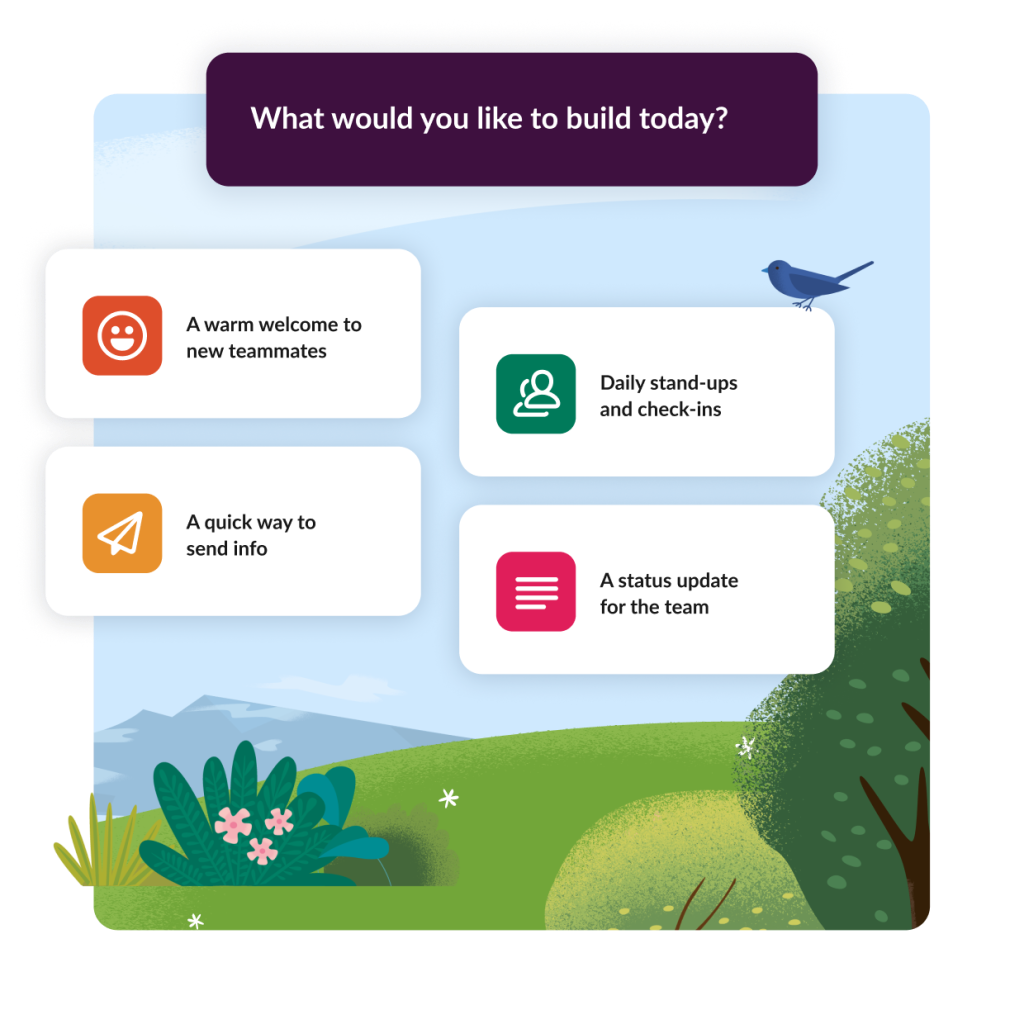
For example, in Slack, you can build a workflow that automatically sends a welcome message when a new team member joins a channel, or gathers information from a form and shares it with the team. In Starter Suite, workflows can automatically assign new sales leads to specific individuals based on criteria like location or value, ensuring a timely follow-up.

A Slack window showing an automated workflow to build for your team, with four icon choices on a blue sky background with shrubbery.

Using Ready-Made Templates to Automate Tasks

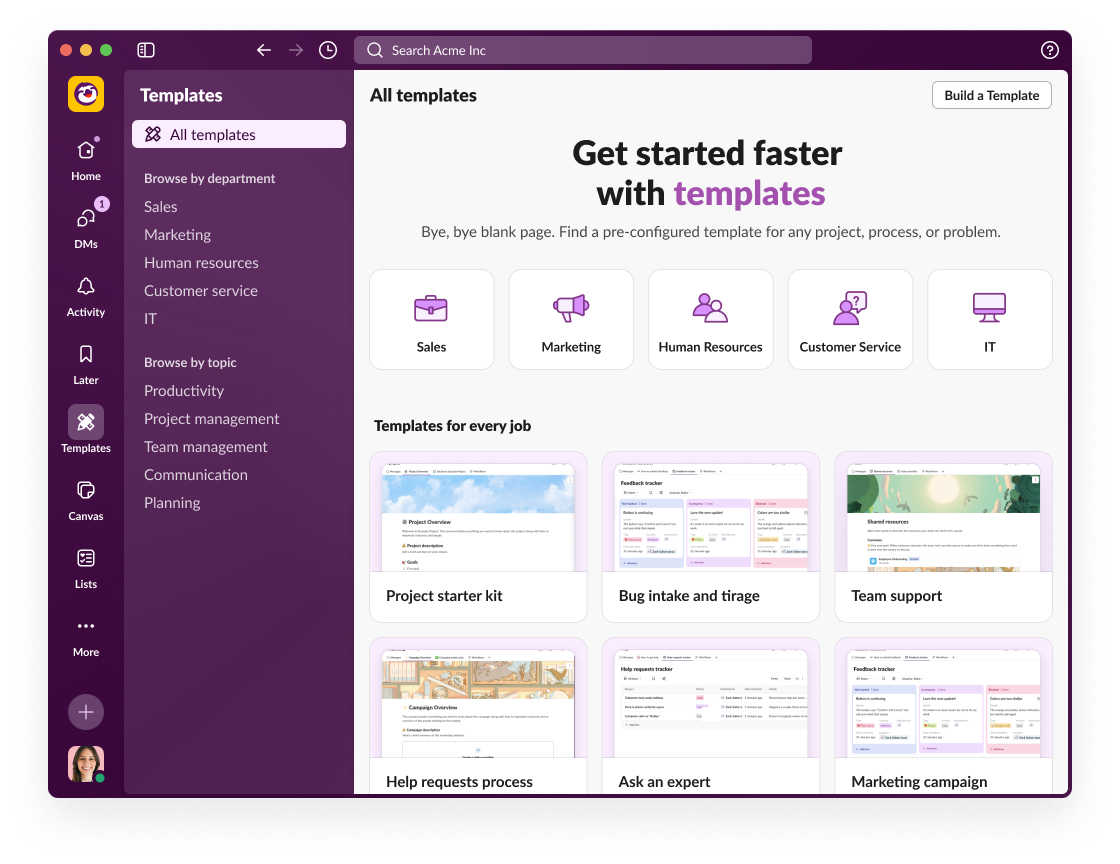
Project management relies on templates and automated tasks. Starting from scratch can be tough, so Salesforce and Slack provide templates for popular automation scenarios that you can customize quickly, like:

  • Reminders for upcoming meetings and deadlines
  • Approval requests for discounts, refunds, or expenses
  • Follow-up emails after customer interactions
  • Notifications when important deals are closed or support cases updated

For instance, your bakery can use an approval workflow that automatically routes cake discounts to a manager. And marketing can set up an automated follow-up email sequence after the discount emails go out.

A Slack window showing how to create templates and where they live inside the team dashboard.

Examples of Automations That Help Small Teams Work Smarter

  • Automatic lead routing: When a new sales lead comes in, Starter Suite assigns it right away to the best sales representative based on territory‌.
  • Customer case updates: Support teams get automatic notifications in Salesforce channels when customers open or update a case‌,‌ ensuring faster response.
  • Daily task reminders: Slack workflows automatically remind team members about daily tasks or checklists to keep everyone on track.
  • Notification for updates: Set up automated Slack notifications for CRM tasks or upcoming deadlines, ensuring the team stays on track with client follow-ups or administrative duties.
  • Approval automation: Simplify approvals for discounts or time off requests by automatically collecting input, routing approvals, and sending notifications without emails.

Wrap Up: CRM and Slack—Your Business Bundle

Salesforce Starter Suite and Slack bring your business, operations, customers, partners, and teams together with one connected platform. You can speed up communication and enable secure collaboration with partners with features like Salesforce channels, huddles, clips, and Slack Connect. Combined, these tools improve team collaboration and productivity, reduce stress, and provide strong security.

And now, by activating Foundations, you can try Agentforce 360—autonomous AI agents for team collaboration. Find out how startups and SMB owners are using the power of AI to move business forward.

Resources

Salesforce ヘルプで Trailhead のフィードバックを共有してください。

Trailhead についての感想をお聞かせください。[Salesforce ヘルプ] サイトから新しいフィードバックフォームにいつでもアクセスできるようになりました。

詳細はこちら フィードバックの共有に進む