Explore Salesforce Point of Sale
Learning Objectives
After completing this unit, you’ll be able to:
- List the mix of in-store and online transactions available with POS.
- Explain the advantage of POS no-code content management system.
- List the store performance data available through the built-in POS reports.
Picture a bustling retail store on a busy Saturday afternoon. Customers browse the aisles, ask detailed questions, and line up at the register. To handle this rush effectively, your store associates require a modern point of sale system. Salesforce Point of Sale operates as a mobile-first platform built to drive your in-store selling, manage daily store operations, and connect with your online commerce systems.
Complete In-Store and Online Transactions
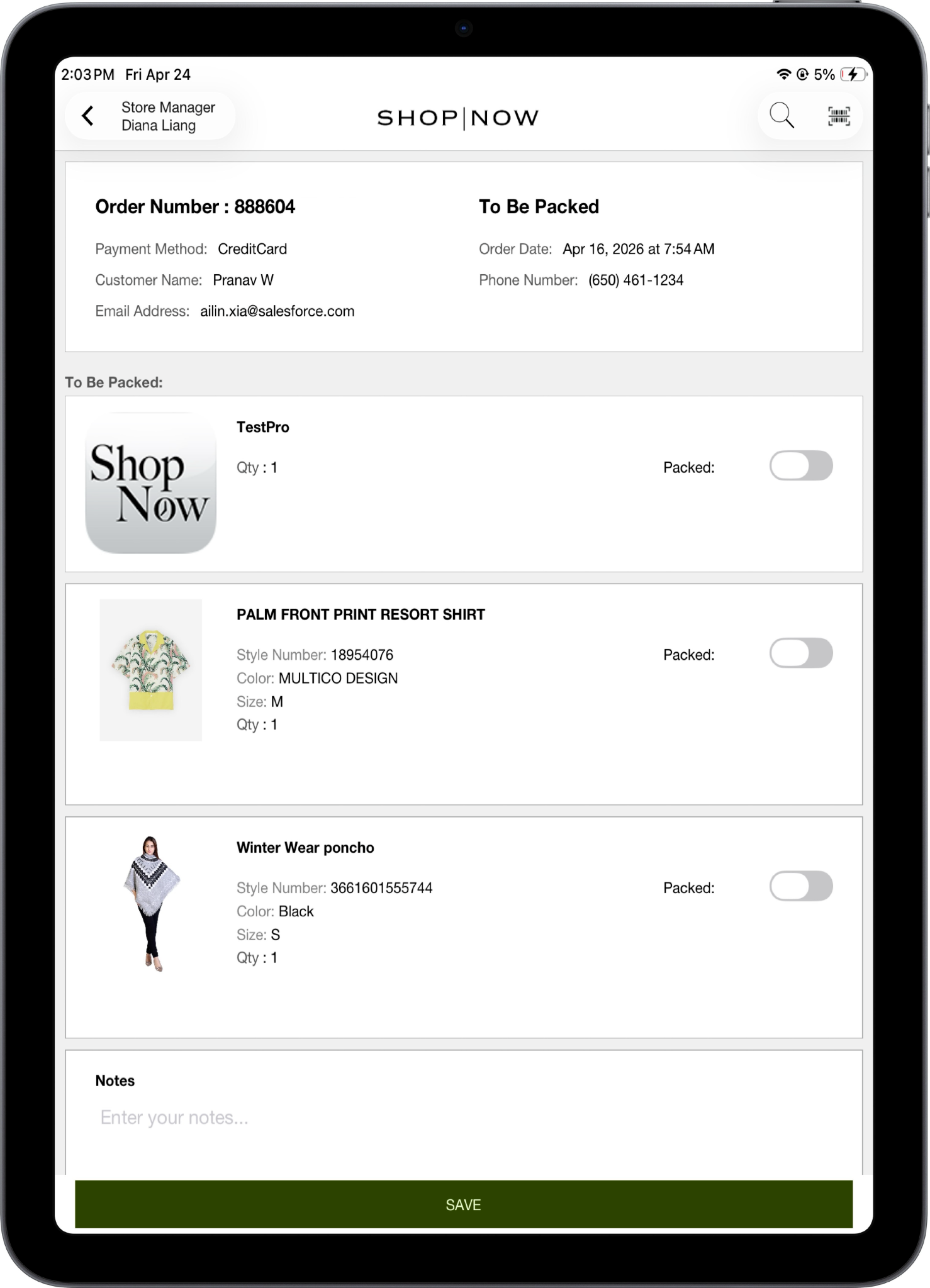
The Point of Sale app processes every type of purchase your customers expect. Imagine a shopper, Alex, bringing a sweater to the checkout counter. Your store associate scans the item’s barcode, accepts the payment, and completes the sale on the spot. Now, consider another customer, Maria. She purchased a pair of running shoes on your website yesterday and selected the Buy Online, Pickup In Store fulfillment option. Point of Sale processes her online order right at the physical register. If Maria decides the shoes feel too tight, the associate processes a Buy Online, Return In Store transaction. The store associate instantly swaps the shoes for a different size. You bridge the gap between digital shopping carts and physical shopping bags.
Connect Your Existing Hardware
To process these sales in the physical world, Point of Sale connects directly with your essential store hardware. You connect specialized payment terminals from top providers like Adyen, Verifone, and Elavon to handle credit cards and tap-to-pay transactions. You also pair the system with Star Micronics or Epson printers to print physical receipts, APG cash drawers to secure currency, and Socket Mobile or Zebra barcode scanners for rapid product ring-ups. All these peripheral connections work together to keep your checkout lines moving fast. Furthermore, POS fiscalization features ensure your business remains compliant by generating certified, secure, and tax-compliant receipts for every transaction.
Design Your POS Layout
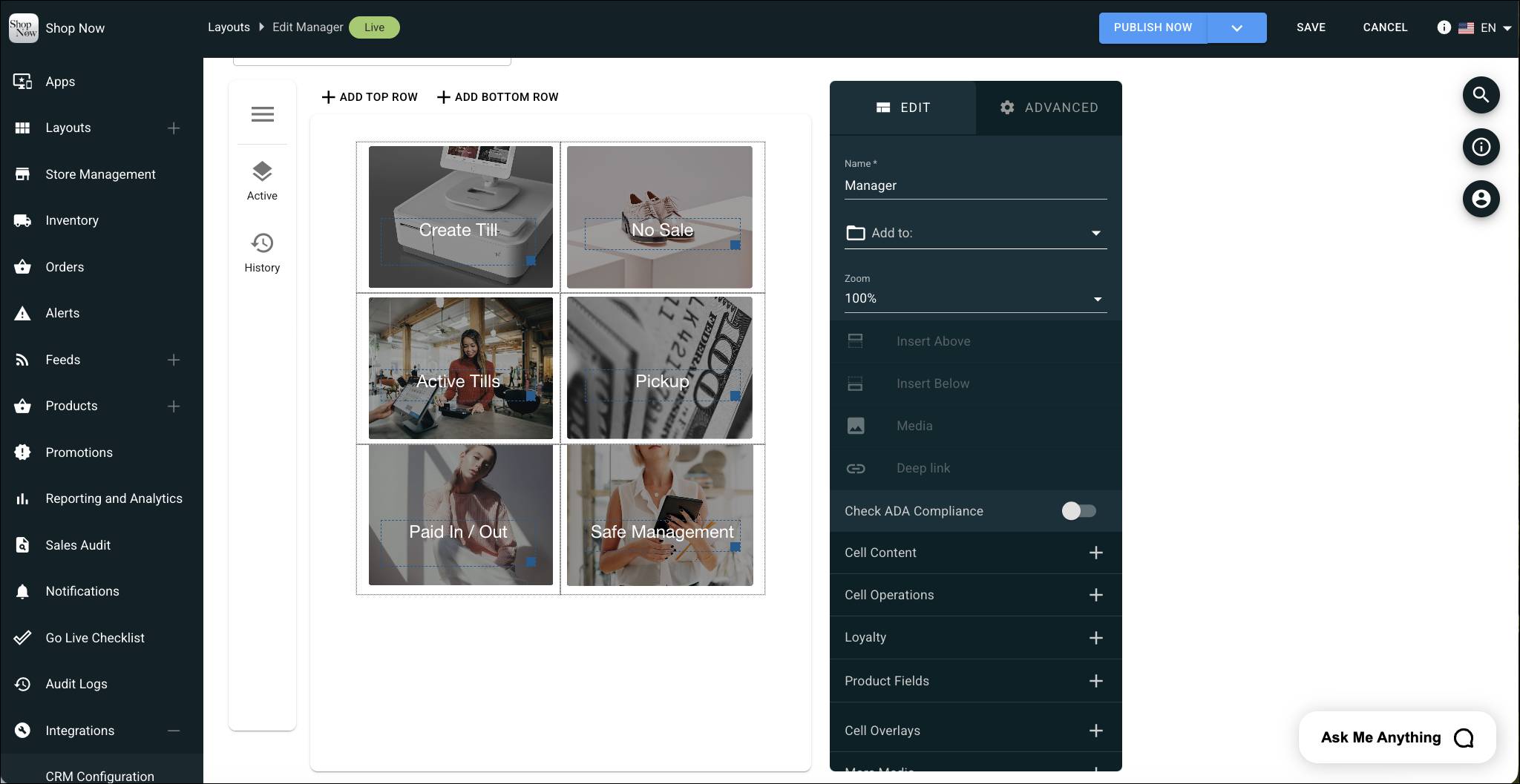
Behind the scenes, you control exactly how the app looks and functions by using a built-in, no-code content management system (CMS). You design custom user layouts for the home screen, product display pages, and digital receipts by using the simple Layout Editor. You match the app’s visual style directly to your brand.
Manage User Profiles
User management also takes a front seat in the CMS. You create specific profiles for your store associates, assign distinct user roles, and establish strict approval policies. This level of UI control means that a brand-new trainee sees different associate options, buttons, and permissions than your veteran store manager. You control exactly who performs price overrides or initiates an inventory cycle count.
Track Store Performance
To understand how your stores perform, you track all this activity through comprehensive built-in reports. Simply open the dashboard to view the Total Sales and Hourly Sales reports. These reports help you spot your peak traffic times. Run the Top Styles Sold report to identify your most popular products and inform your merchandising strategy. The Sales Attribute report shows the sales and tips for each associate. For end-of-day operations, your store managers access the Tender Reconciliation report and the Point of Sale Sales Audit Position to balance the cash drawers accurately, and track associate logins.

Add POS to Your Unified Commerce Solution
When you zoom out, Point of Sale provides a massive advantage as the physical anchor for the broader Salesforce Commerce Unified Commerce business solution. By connecting Point of Sale with B2C Commerce, Salesforce Order Management, and Omnichannel Inventory, your business operates as one cohesive unit. An associate easily checks global inventory levels from the sales floor to find an out-of-stock item at another warehouse. Likewise, a B2B wholesale client visits your showroom and places a bulk order right on the mobile app.
You equip your teams with a mobile platform, connect your hardware, customize the exact user experience, and tie your physical stores directly to your online operations.
Summary
Salesforce Point of Sale is your in-store operations hub, offering powerful tools to complete in-store and online transactions, connect hardware, configure POS layouts, manage store teams, and deliver seamless unified commerce experiences.