Understand the Scope of Accessible Communications
Learning Objectives
After completing this unit, you’ll be able to:
- Define accessible communications.
- Identify communications to audit for accessibility.
- Understand how digitizing your content impacts access.
Get to Know Our Personas
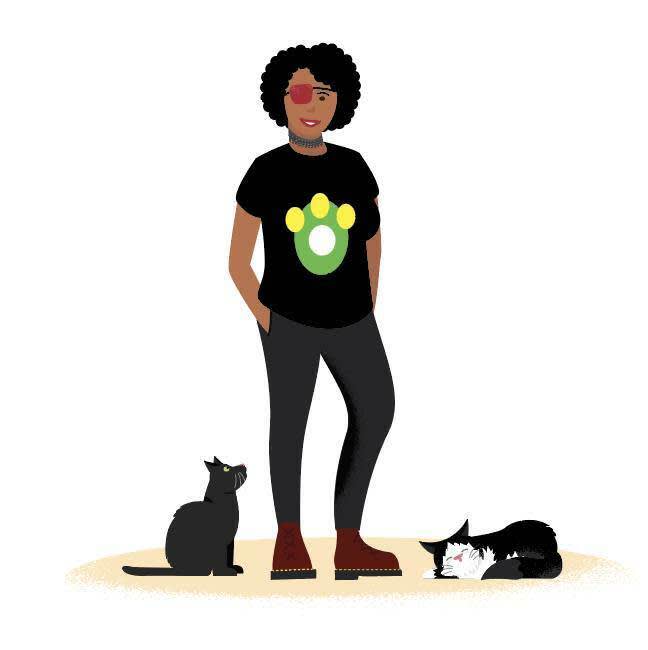
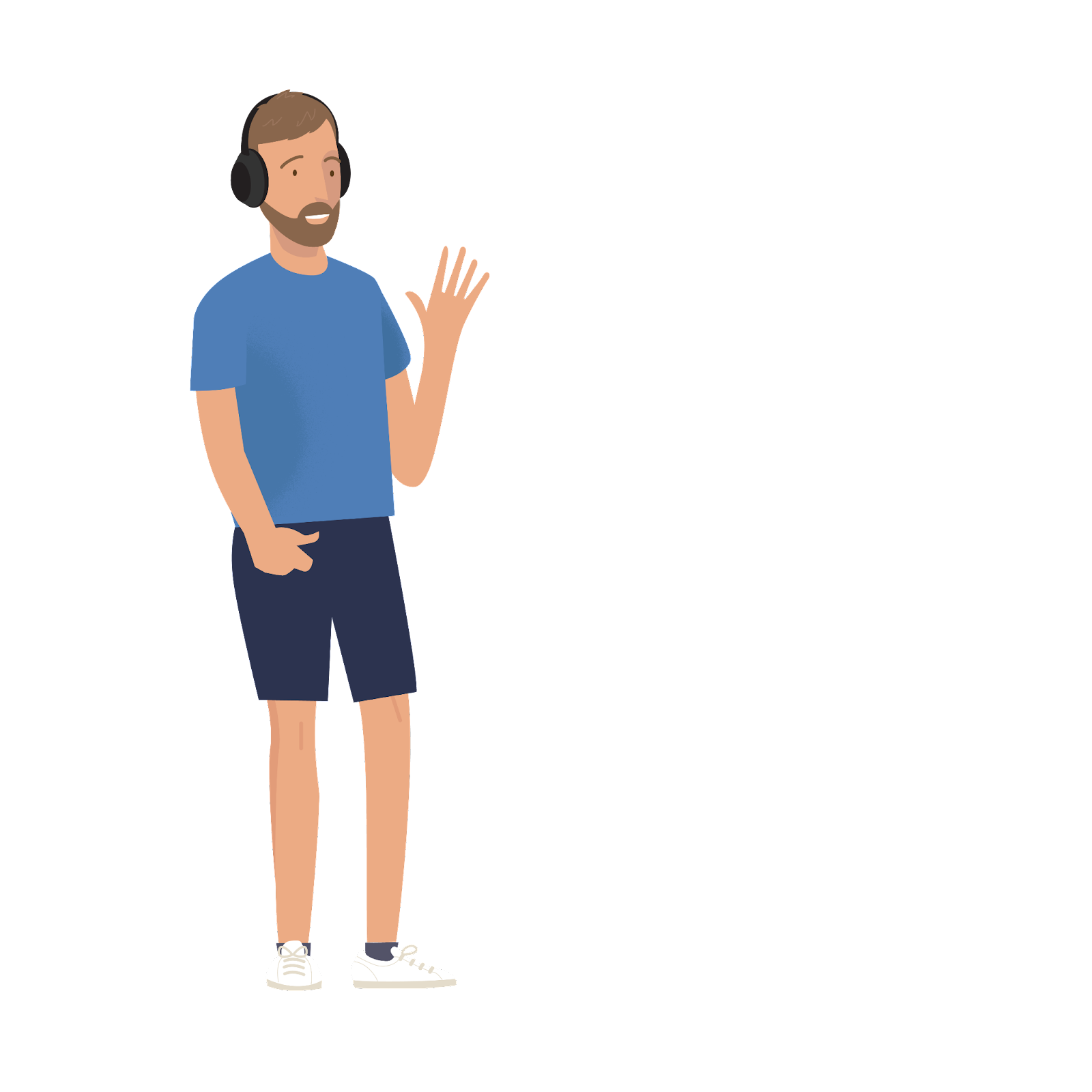
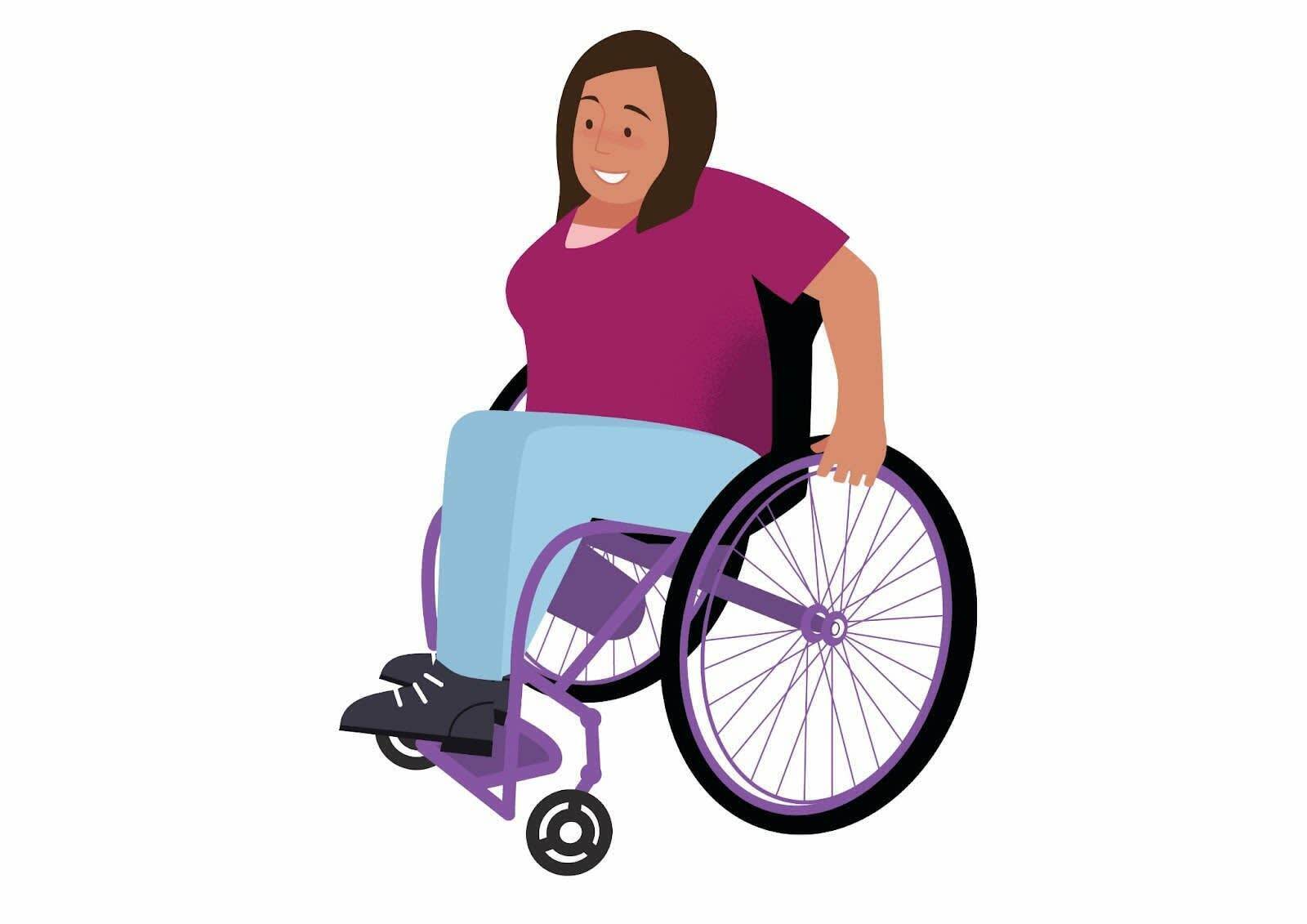
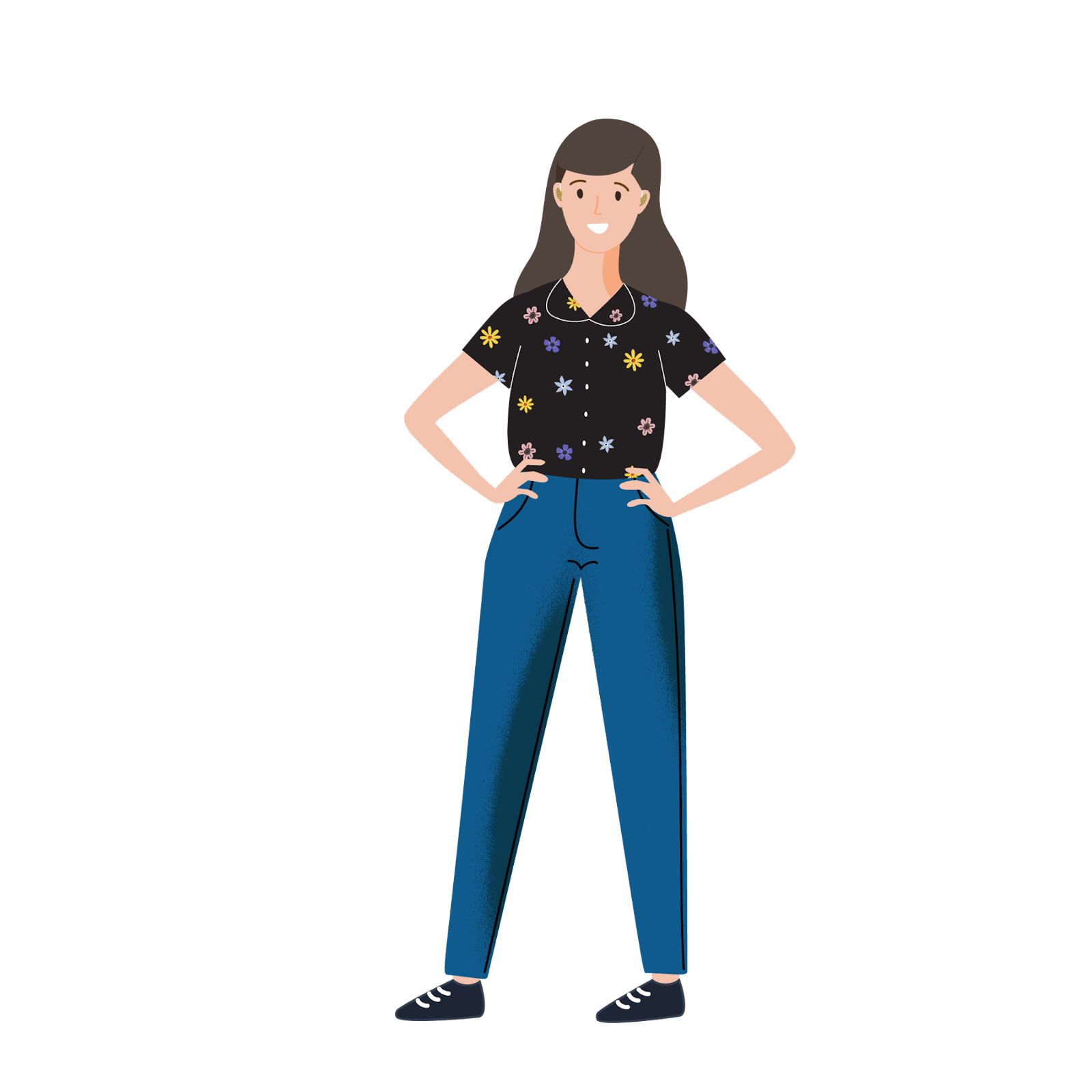
In the previous unit you met Haley, Crystal, Amy, and Thomas, who shared stories regarding accessibility issues they face. Throughout this module you see the stories of these and other individuals who have difficulty accessing digital communication due to their disabilities.
|
Personas
| |
|---|---|
|
Crystal Preston-Watson She/Her
Senior Digital Accessibility Analyst
Identifies as: visually impaired/social anxiety disorder Top challenge in accessing digital content: I do not always use a screen reader, and when I am reading on screen, content that has poor color contrast is the hardest for me to read. |
Thomas Frantz
Senior Manager of Accessibility Partnerships and PR Identifies as: ADHD/Neurodivergent Top challenge in accessing digital content: Inconsistent and cluttered interface design. Digital content is often too “noisy,” trying to fit too much in too little visual space. I also get lost when a site/platform isn’t consistent with its design. Repetition, grouping and formatting are important because my working memory is an issue. Sites that mix in video, audio, written, and visual content, all onto one page with no rhyme or reason cause me to get distracted and confused, and then I miss important information. |
|
Lucia Rios
Workforce Navigators Program Associate
Identifies as: mobility impaired due to Spina Bifida; uses both crutches and a wheelchair Top challenge in accessing digital content: My top challenge isn’t in accessing digital content, my top challenge is that so many companies don’t make more of their content available digitally so that I can fully participate, even if I can’t attend something in person. |
Haley Kimmet
Access Program Manager
Identifies as: deaf/hard of hearing/”dangerously deaf” Top challenge in accessing digital content: My biggest struggle with accessible content has been with people making assumptions about what works best for me based on the fact that I've identified myself as deaf/hard of hearing. |
|
Amy Wood,
Accessible Events Program Manager
Identifies as: deaf/hard of hearing Top challenge in accessing digital content: Audio content without captions, subtitles, or transcripts (training videos, radio, social media clips, voicemails, and so forth). For digital accessibility to work well for deaf/HoH, captions or transcripts are needed for all types of audio. | |
What Is Accessible Communication?
Accessible communication offers every person an equal opportunity to observe, learn from, or interact with your content. These communications also consider potential barriers to accessing information and offer alternative means of access so that everyone can participate. Ideally, accessible communication is also direct, concise, and clear.
: Common examples of accessible communication for everyone include:
- Websites that are properly configured for assistive technology
- Video and audio content that is properly subtitled and with audio descriptions and transcripts available
- Social media posts that have descriptive text for images, and include context when describing humorous images or memes
An impactful way to ensure access for everyone would be offering alternative methods of consuming the same content.
For instance: Many users may find written step-by-step instructions for completing a task most helpful, while others may find a how-to video the best way to absorb new content.
Offering two ways to access the same core information is important to ensure everyone can utilize the content. According to Tom Frantz, “I think people usually associate digital accessibility with visible disabilities; but right now, some of the strongest advocates for accessible design are from the neurodivergent space.”
“The overarching theme across all neurodivergent communities,” Tom says, “is our differences in information processing. This can be related to things such as lack of audio control, bright colors, overcomplicated UIs, and short transaction times (think online shopping).”
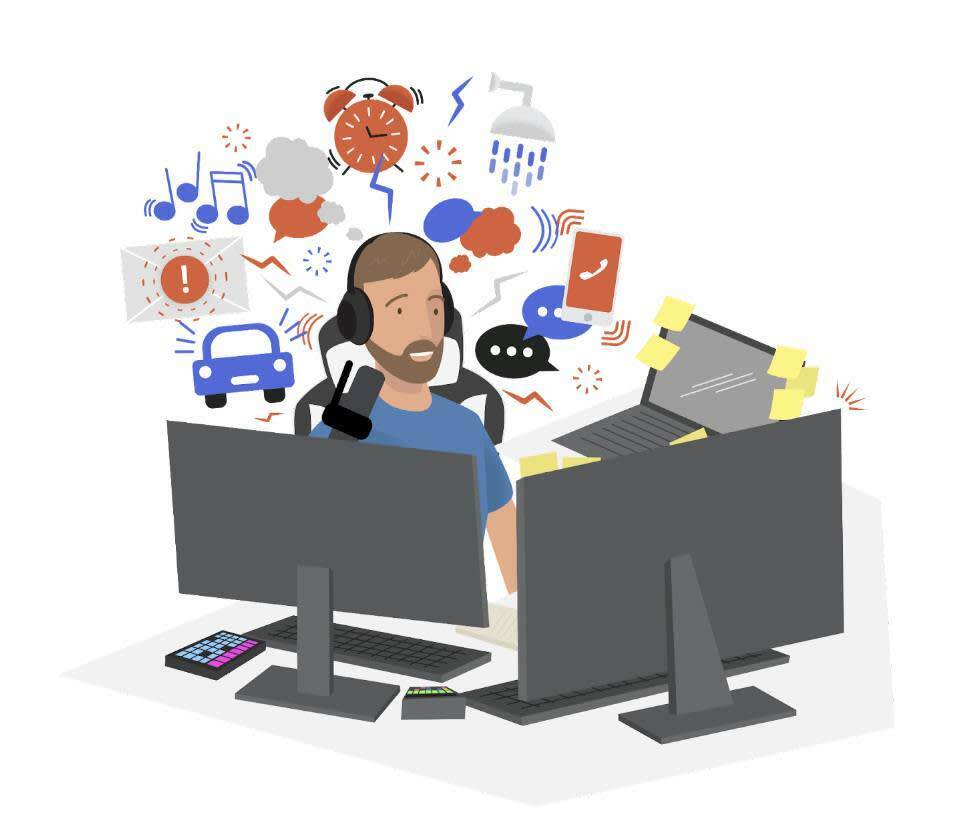
Tom recommends WCAG for guidelines that can help with these issues, such as providing pauses on audio, making sure that transactions (when reasonable) don’t time out, making content static, and creating consistency around navigation and identification (buttons, icons, and links for example).
“This is a good start to ensuring that products and webpages are accessible for neurodivergent individuals, and actually benefit everyone,” he says.
Accessible Content Areas to Consider
Many organizations think that accessibility begins and ends with their websites, but true accessibility for everyone includes all of the following types of communication:
- Face to face (meetings, appointments, presentations)
- Written/printed materials (catalogs, brochures, forms)
- Web-based communication (websites, social media posts, online stores, chat and communication apps)
- Multimedia communication (videos, images, audio recordings)
In this module the focus is on digital communication only, but it’s good to be aware that in-person and printed communication must also be included to ensure access for all, when needed.
Make It All Digital
You heard a lot about making all of your digital content accessible, but that’s assuming that you’re making all your content digital in the first place.
Pre-pandemic, many meetings, training sessions, and seminars were in-person only, because companies “weren’t able” to offer them in digital formats. Post 2020, it was suddenly business-critical to offer everything in a digital format, and that’s when companies suddenly discovered that they actually were able to make them digital.
It is critical to retain the accessibility gains made during the pandemic. There’s no reason you can’t offer the bulk of your communications in digital formats. So a digital option should always be part of your planning process. This is especially important for people with mobility disabilities. Lucia Rios puts it this way:
“I don’t need any special tools or access to utilize my computer or technology. But expanding digital and virtual access overall is really important for me. The pandemic has offered new opportunities for me to be remote, as far as meetings. I'm from West Michigan, and in the winter it is horrible to get around. Some committees and groups in my community now offer meetings both in person and virtually, which is great for me.”
Lucia says she was also excited when app-based shopping and delivery services began gaining in popularity.
“Grocery shopping by myself is difficult,” she says. “With shopping apps being adopted by more people during the pandemic, that’s really broadened my access and brought down the overall price to access similar services.The shift to digital access during the pandemic showed that companies can find ways to make more services accessible for everyone when needed.
Even as the world progresses, some of us will continue to rely on that type of technology.”
In Haley’s case, the shift to a digital, remote working world was life-changing.
“So much of my professional life has been focused on energy management in an in-person work environment so that I can be my best self at work being strategic about how I schedule myself, coordinating captioning/interpreting services, stepping away to eat (because eating and lipreading/trying to follow conversation don't work so well!). Remote work has completely changed this and given me so much energy back.” —Haley Kimmet, Access Program Manager
Haley says that, while there are pros and cons to the remote work world, she’s thrilled with the advances and believes continued access to remote options can create more opportunities for everyone, when needed.
Now that you got to know our real-life personas, let’s talk about their insights on inclusive language in the next unit.
Resources
- Trailhead Module: Writing for Web Accessibility
- Website: How to Make Your Presentations Accessible to All
- Video: How I Do an Accessibility Check
- Article: Pandemic Creating Greater Accessibility for Some with Disabilities
- Website: Described and Captioned Media Program