Mock and Test APIs
Learning Objectives
After completing this unit, you’ll be able to:
- Describe how API mocking lets teams preview behavior before they build the backend.
- Identify how the API console helps simulate and test requests and responses.
- Explain how mocked APIs enable early stakeholder feedback.
Learn Why API Mocking and Testing Matters
Before an API is built, teams need a way to confirm that it behaves as intended. Mocking simulates API behavior early in the design process, prior to writing any backend code.
Mocking APIs helps developers and stakeholders validate the design early. Teams can confirm that API endpoints, responses, and interactions align with business needs before development begins. This reduces rework, speeds up feedback, and helps teams catch issues before they become costly to fix.
In this unit, you explore how to simulate API behavior before implementation through mocking—and how this helps you collect early stakeholder feedback. You also learn how to use an API console to send requests and verify responses.
Use Sample Data to Test an API
APIs need to be designed and validated before implementation. But, how do you test an API before the backend is built? That’s where mocking comes in.
With API mocking, developers can simulate API behavior early in the design process. This allows teams to test endpoints, validate responses, and share APIs with stakeholders—all without writing a single line of backend code.

How Mocking Works
Tools like Anypoint Code Builder and API Console offer built-in mocking services that generate temporary endpoints from the API definition. These mocked APIs make it possible to:
- Preview how the API responds to different requests.
- Validate that request and response formats follow the OpenAPI Specification (OAS) definition.
- Share a simulated version of the API with internal teams or external partners.
Mocking makes it easier to catch design issues early and confirm that your API aligns with business needs before time and effort go into development.
Mule United Airport Mocks an API
Back at Mule United Airport, developers write the backend logic in the flight booking API and verify that:
- The
/flightsendpoint accepts parameters likedepartureanddate.
- The response includes accurate flight data.
- The structure meets stakeholder expectations.
With mocking, the team can evaluate the design and make improvements, all before the API is implemented.
Test an API in the API Console
After you mock an API, test it using the API console. This interactive tool lets you send requests and view real-time responses.
What the API Console Does
The API console makes it possible to:
- Send requests to API endpoints, including mock URLs.
- Confirm the API returns expected data.
- Check for errors such as missing parameters or incorrect request formats.
Mocking allows teams to test an API before development. An API console can also test live APIs once they are implemented.
Why API Testing Matters
API testing reduces integration failures, incorrect responses, and costly rework. The API console helps you verify:
- Correct HTTP methods are used (
GET,POST,PUT,DELETE)
- Required parameters (like flight IDs or search criteria) are included
- Responses follow expected formats and contain the correct data
How API Consoles Support Troubleshooting
When API requests or responses don’t meet expectations, consoles can display detailed error messages. Common issues include:
-
400 Bad Request: The request is malformed or missing required parameters.
-
401 Unauthorized: Authentication is required but missing or incorrect.
-
404 Not Found: The requested resource doesn’t exist.
Teams can simulate and review requests in an API console to identify and resolve design issues before coding begins.
Share Mock APIs for Early Feedback
Mocked APIs don’t just help developers—they’re also valuable for business stakeholders, testers, and frontend teams. Teams can review and interact with the API early to make sure it meets business needs before implementation.
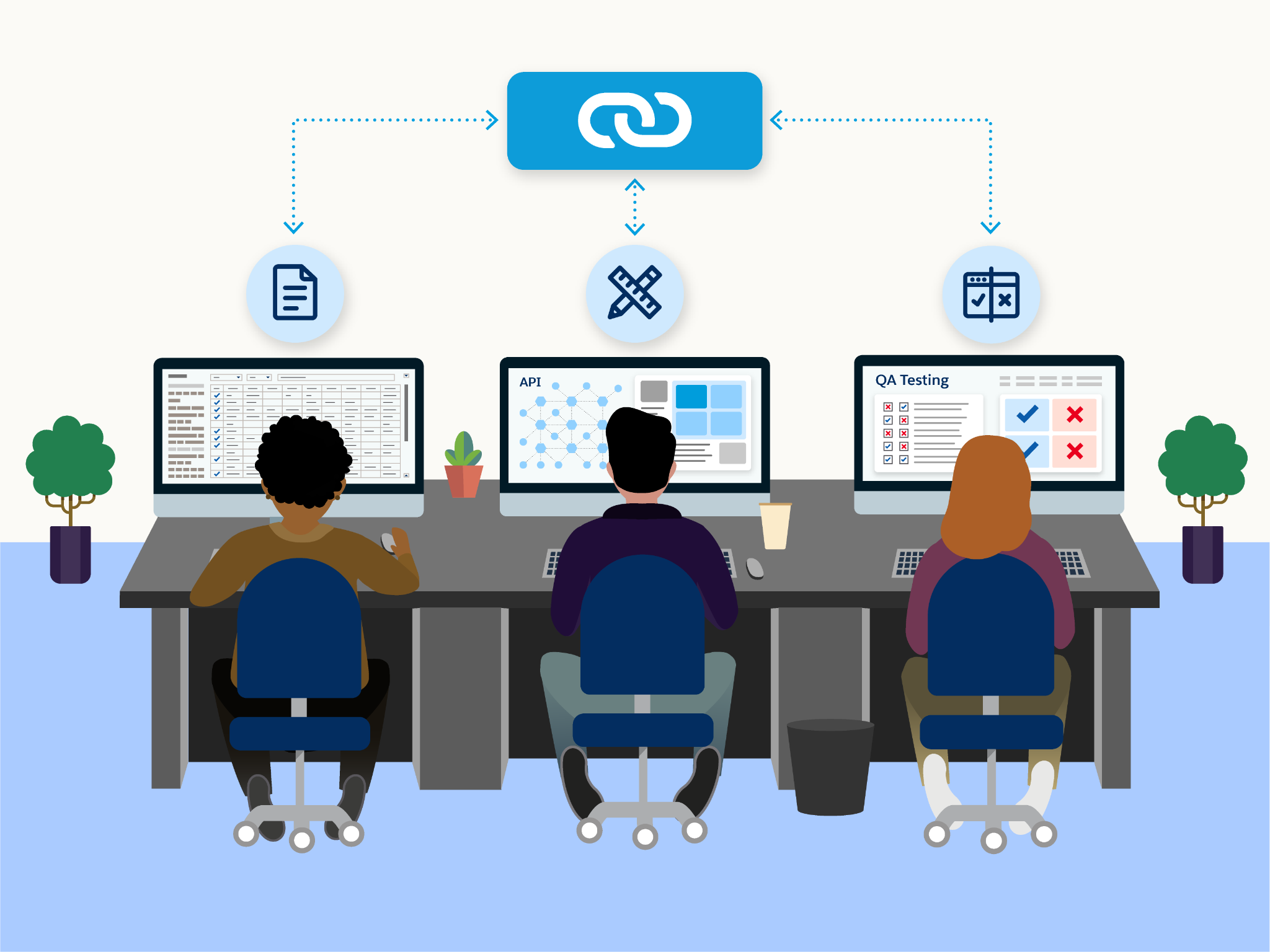
In tools such as Anypoint Code Builder and Anypoint Exchange, mocked APIs can be shared with stakeholders without requiring backend setup. This mirrors how real API teams gather feedback, reduce rework, and stay aligned.
Why Sharing Matters
- Stakeholders can review the API design early and suggest improvements.
- Frontend teams can begin development in parallel with backend teams.
- QA teams can validate structure and expected behavior before implementation.
- External partners can explore the API without needing access to internal systems.
How Sharing Works
When a mocked API is published through a platform like Anypoint Exchange, a public portal is automatically created. This portal typically includes an API console where users can test endpoints using the example data defined in the specification. A single public link can be shared with stakeholders, so they can easily provide feedback.
Learn How API Teams at MUA Test and Share Mocked APIs
At MUA, the API team makes a mocked version of the flight booking API available to multiple groups.
-
Product managers review whether it supports required booking workflows.
-
Frontend developers prepare integrations before backend coding starts.
-
QA testers validate that the API produces expected responses.
Design a Testable API
Developers define key resources and methods in OAS. A common example might include the following.
A /flights resource with:
- A
GETmethod that accepts query parameters likedeparture,destination, anddate - A
POSTmethod to handle flight bookings
A /flights/{id} resource with:
- A
GETmethod to retrieve a specific flight
Each method includes example data in the spec. This example data powers the mock responses and lets stakeholders preview the API’s behavior without a backend.

Add Mock Response Data
Mocking services, such as those in Anypoint Code Builder and Anypoint Exchange, use example responses defined in the spec to simulate behavior.
Here's a simplified example of how a response for GET/flights might be defined in YAML:
responses:
  '200':
    description: Successful response
    content:
      application/json:
        example:
          - flightNumber: MU123
            airline: Mule Air
            departure: 2025-06-01T08:00:00Z
            arrival: 2025-06-01T11:00:00Z
            origin: JFK
            destination: LAX
This example allows the mocking service to return a realistic payload when the API is tested, even without a working backend.
Publish to Anypoint Exchange
Once the API is ready, teams publish the design to Anypoint Exchange. This creates a public-facing API portal and unlocks built-in testing via the API console.
When teams publish to Anypoint Exchange, they often:
- Set the asset name (for example, American Flights API) and version.
- Assign a lifecycle state (for example, Stable).
- Choose whether to make the asset public or private.
- Allow Anypoint Exchange to autogenerate a portal that includes documentation and a mock-enabled API console.
This process makes the API easier to explore and test.
Explore and Validate the API
With the mock-enabled portal live, stakeholders can interact with the API exactly as end users would. Using the API console, they can:
- Send test requests to endpoints (for example,
GET/flights)
- Provide query parameter values (for example,
departure=JFKordate=2025-06-01)
- Review the simulated JSON response returned from the example data
This helps product managers, frontend developers, QA testers, and partners confirm that the API works as expected—long before code is written.
Enable Public Access
In many cases, teams need to enable public portal access This means opening the portal in a private or incognito browser window and confirming that the API console works.
When configured correctly, the mock API:
- Responds with the expected example data
- Requires no special authentication or internal access
- Allows feedback from anyone with the link
What API Teams Confirm Before Moving Forward
When a mocked API has been shared and tested, most teams check for the following.
- The design includes the right resources, methods, and parameters.
- Example responses return correctly when tested in the API console.
- The mocked API is accessible through a public or shareable Anypoint Exchange portal, if enabled.
- Key stakeholders have reviewed the API and provided early feedback.
Now the API aligns with business needs and is ready to move into development.
Wrap It Up
You’ve followed the path of a real-world API—from a static definition to a testable, shareable design—all without a backend. In the next unit, you explore how to customize your Anypoint Exchange portal and prepare the API for production use and partner adoption.