Learn About Design Systems
Learning Objectives
After completing this unit, you’ll be able to:
- Identify the characteristics and capabilities of a good design system.
- Describe how designers and developers use, contribute to, and manage design systems.
- Explain how the Salesforce Lightning Design System (SLDS) helps developers build solutions on the Salesforce platform.
- Describe how and why SLDS differs from most design systems.

What Is a Design System?
Before we dive in and explore its magical powers, let’s define design system.

Design System Definition |
Explanation |
|---|---|
|
A design system is a collection of reusable UI elements, referred to as components, and of repeatable design patterns. Components can include buttons, menus, sounds, animations, visual patterns, and so on. Some design systems include fully functional components that are built on a UI platform. Other design systems like SLDS provide components that are platform independent. The components provide the HTML and CSS, but not functional code. A pattern is a reusable, documented solution for common user problems or tasks. A pattern consists of a specific combination of components, layouts, and interactions that create a complete user experience. Unlike a simple component, a pattern provides context and best practices for a user goal, or process, such as a multi-step form or a login screen. Simply put, UI patterns guide how components are organized and interact to deliver an optimal user experience. |
A design system is a comprehensive set of standards that guides the creation of products. It encompasses a library of patterns, components, guidelines, and best practices, and ensures consistency across designs. Design systems provide a holistic framework and a shared vocabulary for teams, streamlining the product development process. Design patterns, in contrast, offer singular solutions and are individual elements within the broader architecture of a design system. Think of components as building blocks and patterns, rules, and guidelines as detailed instructions for using those building blocks. |
A design system is guided by clear and accessible standards, principles, and guidelines. |
The components in a design system are highly standardized, with a recognizable look and feel. Patterns provide structured, purposeful plans to combine and use components. |
|
Designers combine components and patterns to design a UI. Developers implement the UI designs created by designers by combining the design system’s components in multiple ways to build apps in HTML and JavaScript. Design guidelines serve as instructions for assembling components into patterns for specific use cases. If component code for the component designs exists, developers rely on that code. Otherwise, developers build the UI using their own HTML and JavaScript code. They use the design system's patterns and guidelines to help them create the code. |
The components don’t do much on their own, but put those blocks together and you can build almost anything. |
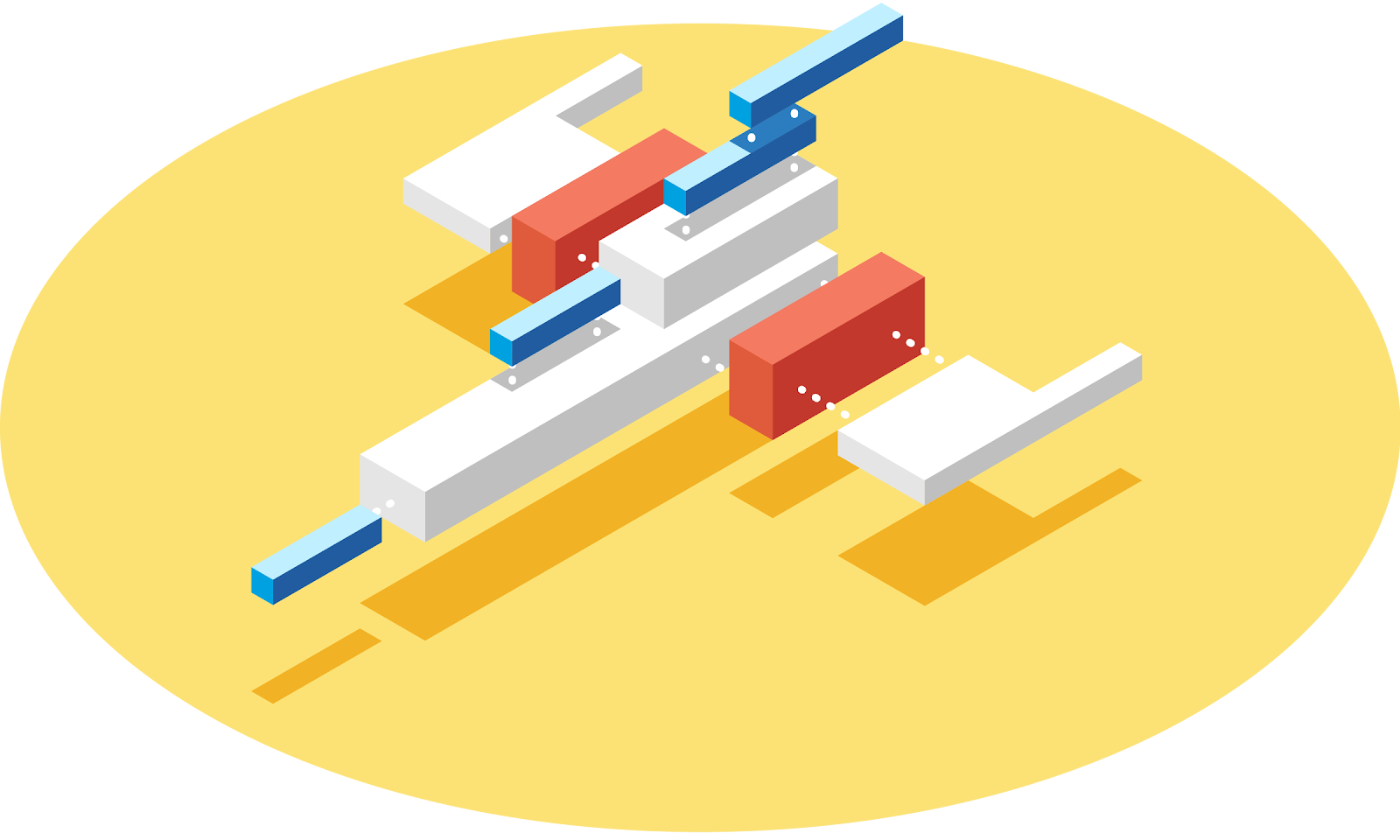
A good design system is:
-
Scalable. As a design system matures, less time and money are spent creating foundational elements (building blocks). Developers reuse those elements across products and features.
-
Efficient. Design systems save time and energy by freeing designers and developers to focus on usability and meaning.
-
Visually cohesive. A design system’s detailed instructions (patterns, rules, guidelines) are anchored in purpose. Its aesthetic elements arise from user needs. Standardized components reinforce both visual style and branding, resulting in products and features that have a consistent look and provide a consistent user experience.
-
Shared. Reusable, documented, and accessible elements support collaboration, making it easier to hand off portions of a project or build on others’ work.
Start Building Now
Like building blocks, a design system helps you start building immediately. Using predesigned components lets you focus on solving complex problems and delivering the best user experience.
Another huge benefit of a design system is that it allows you to manage design at scale. The library of components, patterns, rules, and guidelines help to maintain consistency across designers, developers, teams, and products. A design system evolves as needs change, enabling designers and developers to update interfaces and tools quickly and easily across a complex platform.
Know the Players
Any design system is only as good as its stakeholders.
-
Consumers are the designers, developers, and stakeholders who use elements of the design system to build apps. Consumers come from both inside and outside the company that created the design system if the company, like Salesforce, has an ecosystem of customers who build apps on the company's platform.
-
Contributors create the elements and patterns that make up the design system. For each release, anyone can propose new patterns, components, or guidelines, or suggest changes to existing ones.
-
Curators are custodians of the design system. This team of engineers, product designers, and visual designers maintains the design system, oversees its code, and teaches the community how to use it. Curators review proposed updates and incorporate updates to evolve the design system.
If you’re reading this, you’re probably an SLDS consumer or contributor.
The Lightning Design System at Salesforce
At Salesforce, we’re all about design systems. One reason the Salesforce Platform is so powerful is that it adapts to the complex needs of a wide variety of users.
We’re also growing very quickly, expanding both our product scope and our employee numbers. As we grow, we address more user needs. It’s crucial that we design a cohesive product experience efficiently and at scale.
SLDS helps Salesforce teams do that. Use case-specific patterns help designers iterate faster and create cohesive solutions more efficiently. Component developers always have the latest framework, with clean, accessible markup and pixel-perfect CSS, to help them work faster with fewer errors. Customers and partners build customizations on the Salesforce Platform using a frequently updated, clean, consistent system that includes clear explanations and design examples—eliminating the temptation to reverse-engineer any software.
Most design systems provide fully functional code. But because SLDS supports so many different code bases, such as Lightning Web Components (LWC) and React, it must remain independent. Salesforce does provide functional code that implements many of the SLDS component designs via the Lightning base components. (To learn more about how SLDS differs from other design systems, see the resources at the end of this unit.)
Next, we take a trip into the past, way, way back to the birth of SLDS.