Explore Slack Plans
Learning Objectives
After completing this unit, you’ll be able to:
- Identify the appropriate Slack plan to solve various business needs.
- Describe the unique features of the Enterprise+ plan compared to other Slack plans.
Compare Slack Plans
As a Slack admin, understanding the different plans is crucial as your privileges and responsibilities vary depending on your organization’s plan. Slack offers a free plan and four paid plans: Pro, Business+, Enterprise+, and GovSlack.
Key Points
- Slack Certified Admins can administer Slack on all paid plans.
- Features in lower-tier plans are available in higher-tier plans.
- Enterprise+ has unique features for enterprise-level organizations, requiring additional mastery for admins.
Understanding these plans and their features can help you better handle various business needs and transition between roles.
Get Started with the Free Plan
With the free plan, you can start moving team conversations out of silos and into organized channels. It includes access to 90 days of message history and limited availability of features like Huddles or advanced AI. While it provides a great way to sample what Slack can offer, larger organizations can find more value from a paid tier.
Unlock More Features with Pro
Upgrading from the free plan to Pro unlocks several key features, including the following.
-
Unlimited message storage and integrations: Make Slack a comprehensive knowledge management tool.
-
Full message archive: Ensure your team and agents maintain context on past decisions or projects.
-
Unlimited apps: Centralize all your tools and workflows in one place.
-
Guest access: Simplify collaboration with vendors, clients, and partners outside your organization.
-
Custom retention policies: Tailor data compliance and message lifecycle management.
-
Priority support: Get faster resolution times when you need help.
-
Ability to forward emails into Slack: Reduce context switching by bringing inbox updates into channels.
-
User groups: Reply to user groups instead of discrete individuals.
-
Group huddles: Enable spontaneous audio and video discussions for more than two people.
-
Custom profile fields: Find the right people faster by searching for skills, location, or manager.
-
Slack Connect: Work securely with external organizations in shared channels rather than just direct messages (DMs).
These features enable teams to customize Slack to their workflows, improve productivity, and get access to paid features such as canvas, lists, templates, and basic AI.
Advance Security and Compliance with Business+
Business+ is ideal for teams requiring advanced security and compliance features. Key upgrades from Pro include the following.
-
Security Assertion Markup Language (SAML)–based single sign-on (SSO) and provisioning: Secure access with your existing SAML 2.0 identity provider.
-
99.99% uptime: Stay connected with industry-leading, financially backed service-level agreement (SLA).
-
Content exports: Export your entire Slack message history, including private channels and DMs.
-
24/7 Support: Get priority support with a guaranteed response in four hours or less.
With Business+, you also get access to more advanced AI features such as daily recaps, file summaries, AI workflow generation, and AI-powered search.
Connect the Entire Enterprise with Enterprise+
Enterprise+ is designed for larger organizations, connecting multiple workspaces across the organization to provide a more integrated and comprehensive Slack experience.
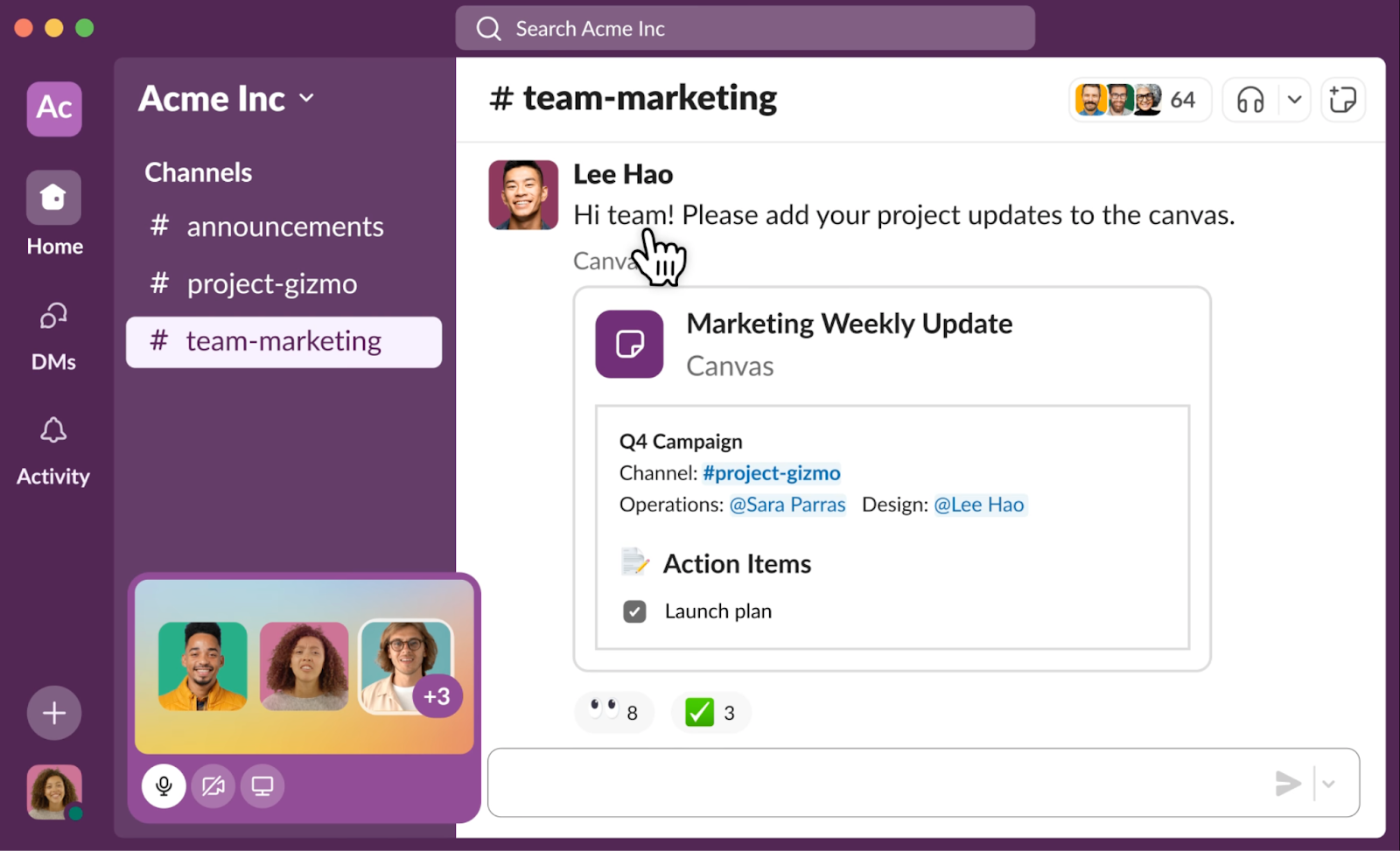
Enterprise+ offers several key features for larger organizations, including the following.
-
Unlimited workspaces: Connect multiple workspaces across your company, accessible through the Slack app navigation bar.
-
Multi-workspace channels: Connect workspaces together, with admin control over channel visibility.
-
Organization-wide search: Search across the organization, including DMs and announcement channels.
-
Enterprise-wide directory and DMs: Get a unified organizational directory and DMs.
-
Centralized admin and app management: Manage all workspaces from a single point.
-
Discovery APIs: Integrate with third-party e-discovery or data loss prevention (DLP) partners.
-
Admin APIs: Automate management tasks, such as creating workspaces or inviting members.
-
Domain claiming: Claim multiple web domains for your organization.
These features provide a more integrated and manageable Slack experience for large organizations.
About Workspaces and Organizations in Enterprise+
Workspace
A Slack workspace is a collection of channels where team members collaborate. On Enterprise+, workspaces include the following benefits.
- Organization-wide search, direct messaging, and user directory
- Unlimited workspaces for focused collaboration
- Multi-workspace channels for cross-functional communication
Organization
An Enterprise+ organization consists of multiple Slack workspaces, connecting members and workspaces under one umbrella. Organization owners and admins manage organization-wide settings, including the following.
- Security setup (SSO, 2FA)
- Settings and preferences (message policies, channel management)
- Member access and management
- Billing
Workspace owners and admins manage individual workspaces within the organization.
Ensure Compliance with GovSlack
GovSlack is designed to meet rigorous government compliance standards, such as FedRamp and International Traffic in Arms Regulations (ITAR). Key features of GovSlack include the following.
-
GovCloud Certified Data Center: Ensure customer data remains in the United States by using data centers maintained by personnel residing in the region.
-
Slack Connect: Enable secure collaboration with external partners via GovSlack instances in GovCloud data centers.
-
Enterprise key management (EKM): Let admins use their encryption keys, stored in Amazon Web Services (AWS) Key Management Services (KMS), for enhanced security.
-
GovSlack app directory: A curated directory of compliant applications that can integrate with Slack.
-
Enterprise-grade administration tools: Get more control over user access, data sharing, and channel management.
These features provide a secure and compliant Slack experience for government organizations.
Plan Comparisons
Want to compare each plan side-by-side? Check out Slack plans pricing to learn more about the features and benefits you get at each pricing tier.