Understand Data Profiling and Its Role in Data Quality Management
Learning Objectives
After completing this unit, you’ll be able to:
- Define data profiling and explain how it differs from other analysis techniques.
- Identify the key insights provided by data profiling and the benefits they offer.
- Explain why data profiling should be the first step in any data quality initiative.

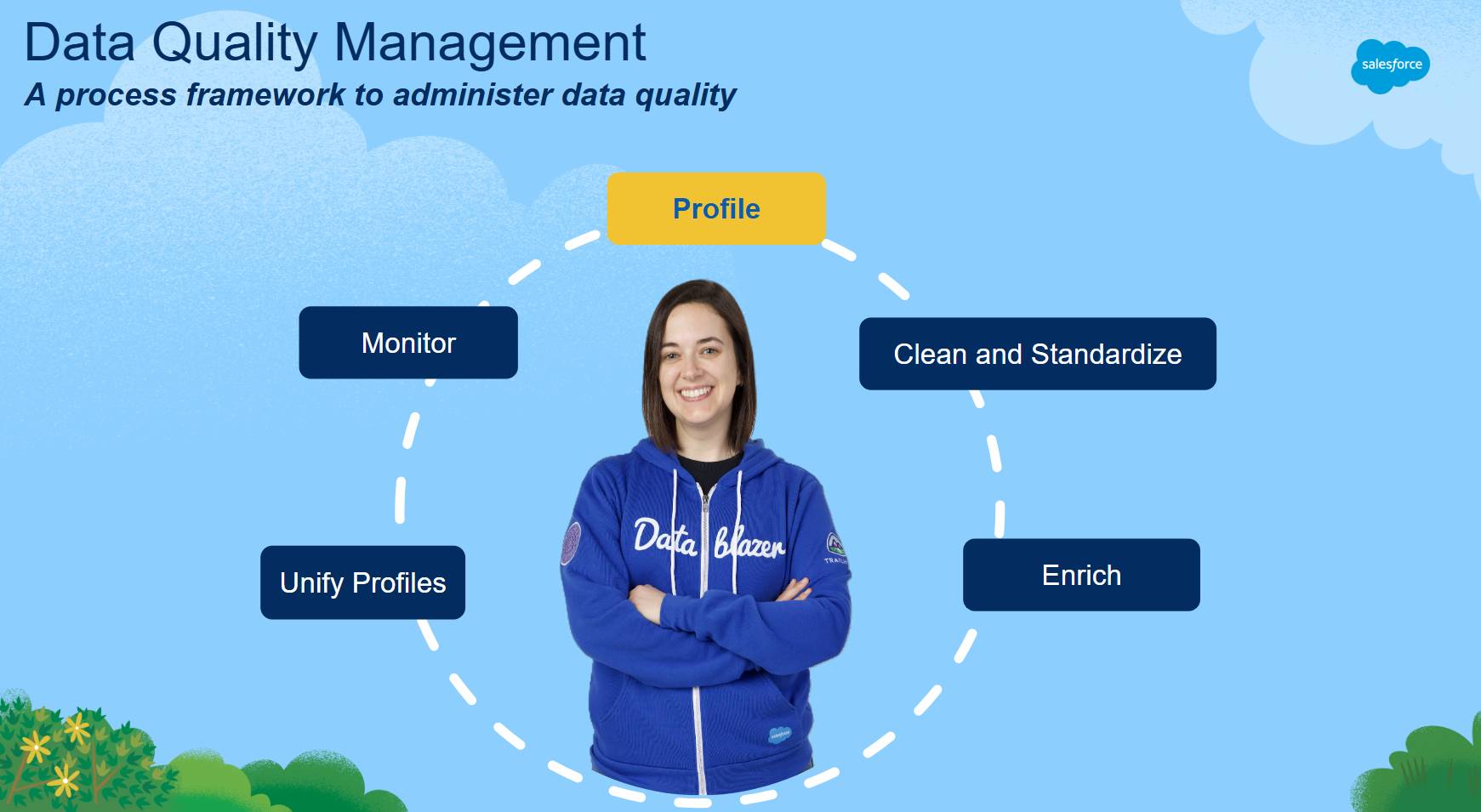
If you have taken Data Management Fundamentals, you learned that Data Quality Management is a multistep process. In the Salesforce Data Quality Management framework, data profiling is the first step.
What Is Data Profiling?
Data profiling is the process of analyzing the structure, content, and quality of data to uncover meaningful patterns, anomalies, and metrics. Data profiling helps you:
- Understand how data is actually stored and used.
- Reveal data quality issues such as incomplete or inconsistent values.
- Establish a baseline for completeness, consistency, and correctness.
- Inform prioritization of data remediation and AI readiness efforts.
Think of data profiling as the data equivalent of a health check-up. Before you begin treatment—such as data cleaning, enrichment, or creating match rules for duplicate management or identity resolution—you first need to examine how fields are populated and what patterns exist in the data.
“If you do not understand your data, how do you know what to clean, what to enrich, or whether your data is fit-for-business-purpose?” -Salesforce CSG, Data Quality Circles of Success |
|---|
How Data Profiling Differs from Reporting, Queries, and Dashboards
Luna is a data architect who recently joined Northern Trail Outfitters (NTO). NTO implemented its CRM org back in 2017, and over the years, the org has grown and changed, with new processes, new features, and evolving user habits.
Luna wants to understand the quality of the data within the org and see if there are configurations NTO can safely retire to reduce technical debt and improve usability. She knows that in most CRM orgs, many custom fields are abandoned after initial creation, and given the custom field limits, not managing unused fields can make it difficult to adopt future initiatives. What’s more, Luna knows that if there are obvious data quality challenges, it will impact user experience, adoption, and productivity.
At first, Luna tries creating custom reports to get these answers. But she quickly runs into a few challenges. To understand recent fieldusage, she’d need to build multiple reports and piece them together for a complete picture. And if she wants to compare how the data content aligns with the current object configuration—such as which picklist values are still active—she’d have to copy details from several places or write Apex scripts, then merge everything into a spreadsheet.
Realizing how time-consuming and complex this approach would be, Luna turns to the Trailblazer community for ideas. That’s where she learns about AgentExchange solutions that extend the Salesforce Platform. Luna chooses a data profiling app that analyzes both data and metadata—helping her save time, improve consistency, and deliver scalable, repeatable insights.
Unlike reports or dashboards, data profiling solutions operate across an entire field or dataset. They calculate aggregate metrics such as:
Data Profiling Insight |
Description |
Benefits |
|---|---|---|
Field fill rate |
Percentage of records where a field contains a value. |
Identifies unused, abandoned, or underutilized fields and highlights data-collection gaps. |
Distinct value count |
Number of unique values stored in a field. |
Helps determine whether a field contains meaningful variation by flagging single-value fields, identifying fields that can be used to sort records into meaningful groups, and highlighting fields that can require standardization. |
Uniqueness |
Percentage of values that appear only once in a field. |
Shows whether values repeat or are duplicated in a field and helps identify fields that could uniquely identify or match records. |
Default value count |
Number of records where the field value matches the configured default value. |
Detects potential lazy-entry behavior or processes in which default placeholders are frequently accepted without updates. |
Default value ratio |
Percentage of records that contain the default value. |
Highlights systemic patterns in data entry or integrations that can require validation or process improvements. |
Top and bottom value frequency |
Most and least common values in a field, along with how often they appear. |
Highlights patterns and outliers, helping identify opportunities for standardization, cleanup, or consolidation. |
Value count vs. picklist config |
Compares values stored in the field to the currently active picklist options. |
Identifies deprecated picklist values still present in data or missing options that should be added to the configuration. |
Field dependency count |
Number of dependencies tied to the field (such as formulas, flows, or automation). |
Helps assess a field’s criticality and the potential impact of modifying or removing it. |
Data dictionary characteristics |
Schema attributes associated with the field, such as API name, label, help text, or sensitivity classification. |
Supports governance efforts by identifying fields missing definitions and enabling impact analysis across the data model. |
Field origin metadata |
Metadata describing whether the field is standard or custom, who created it (user or managed package), and when it was created or last modified. |
Helps identify newly created fields for adoption monitoring and older fields that can be candidates for cleanup or retirement. |
Field use dependencies |
Identifies how often a field is referenced by reports, workflows, or other configuration components. |
Provides visibility into how widely the field is used, helping inform deprecation, refactoring, or governance decisions. |
These metrics are foundational for decisions about data cleanup, process automation, AI enablement, and compliance.
Luna uses these metrics to guide her choices in the next steps of the Salesforce Data Quality Management framework. In the next unit, you explore how data profiling supports each step.